Leave Your Message
0%

In today’s digital world, security is honestly a big deal. With so much personal info stored on our phones and devices, keeping it safe is more important than ever. That’s where Moto Lock comes in—it’s a pretty handy feature that adds an extra layer of protection, helping guard against nosy or unauthorized folks trying to get in.

Setting up Moto Lock isn’t too complicated, and once it's up and running, locking your device is just a touch away. It can really make a difference in deterring someone from trying to snoop. That said, some folks might find the setup a bit tricky at first, so it’s worth taking your time and reading through the instructions carefully. Oh, and about complex passwords—sure, they keep things more secure, but they can also be a pain to remember, so it’s all about finding the right balance.

Using Moto Lock definitely gives you more peace of mind — less worrying about your device getting into the wrong hands. But here’s the thing: if you forget your password, you might end up locked out completely. That’s why it’s super important to stay on top of password management—like updating them regularly and keeping track of what you use. So, while Moto Lock is a solid step forward, it’s not foolproof. Finding that sweet spot between convenience and security is really what it’s all about today.
How to Use Moto Lock for Enhanced Security on Your Device?

Introduction to Moto Lock and Its Benefits

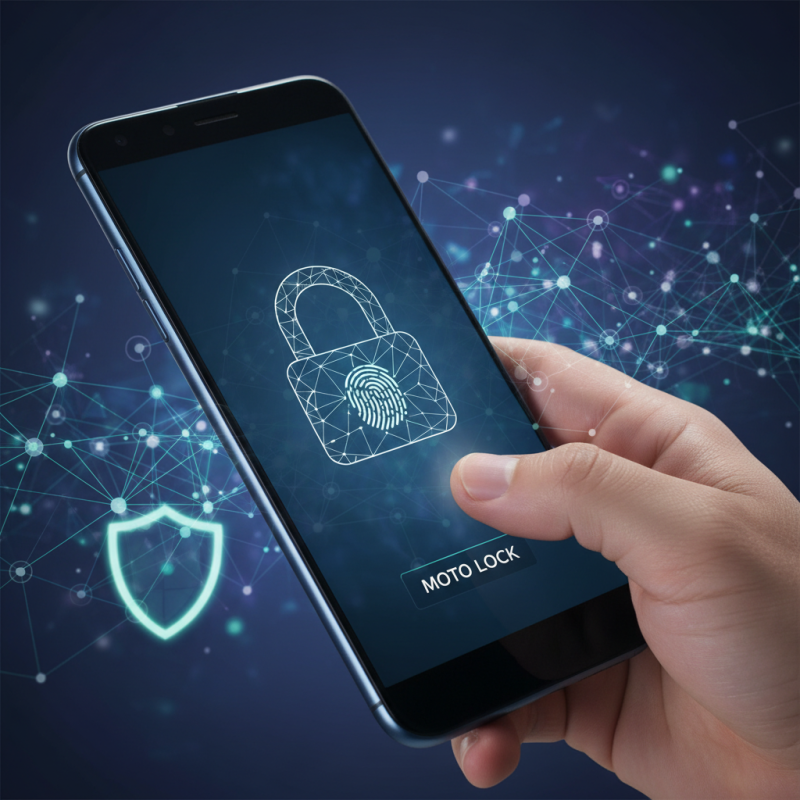
Moto Lock is a powerful tool for enhancing your device's security. It provides users with an extra layer of protection. With Moto Lock, you can prevent unauthorized access effectively. This is crucial in today's digital age, where security breaches are common. The feature allows you to lock your device with a unique pattern. You can also set up a strong password.

One of the main benefits is convenience. You can unlock your device quickly, but it’s not just about speed. The locking feature is customizable. You can choose who accesses your device and what they see. However, some users might find the setup process a bit tricky at first. It's easy to overlook certain settings that enhance security. Regularly updating your locking methods is also essential to keep your data safe.

Having a lock adds peace of mind. You can leave your device unattended without fear. Yet, it requires regular reflection on your locking habits. Are you using the most secure options? Relying solely on default settings may not be enough. Consider changing your lock pattern occasionally. This keeps your device secure and helps you stay engaged with your device's protection.

Usage Statistics of Device Security Features in 2023

Setting Up Moto Lock on Your Device

Setting up Moto Lock on your device enhances its security. The process is straightforward but may not be intuitive for everyone. Begin by opening the security settings on your device. Look for the Moto Lock option, which may be hidden among various features. Tapping it will direct you to a setup menu.

Follow the prompts carefully. You will likely need to create a secure PIN or pattern. This step is crucial for protecting your data. Remember, simple patterns can be easily guessed. Choose a combination that is memorable yet complex. Avoid common sequences like "1234" or "0000."

Once your lock is set, consider testing it. Ensure that it works seamlessly when you need to access your device quickly. Sometimes, it may be frustrating if you forget your PIN or pattern. This can lead to a loss of access. Regularly reviewing and updating your security settings can prevent such issues. Overall, while setup may require some effort, the enhanced security it provides is worth it.

How to Use Moto Lock for Enhanced Security on Your Device?

Feature Description Setup Difficulty Security Level
Biometric Security Utilizes fingerprint recognition for unlocking the device. Easy High
PIN Code Customizable numeric code for access security. Moderate Medium
Pattern Lock Draw a unique pattern to unlock the device. Easy Medium
Remote Lock Remotely lock your device via a web interface. Moderate High
Data Encryption Encrypts data stored on the device, making it inaccessible without the correct unlock method. Advanced Very High

Customizing Moto Lock Settings for Optimal Security

How to Use Moto Lock for Enhanced Security on Your Device?

Customizing your device's security settings is crucial. Moto Lock offers various options to enhance your safety. Begin by exploring the available features on your device. You might discover settings that you didn't know existed. This exploration can be both exciting and daunting.

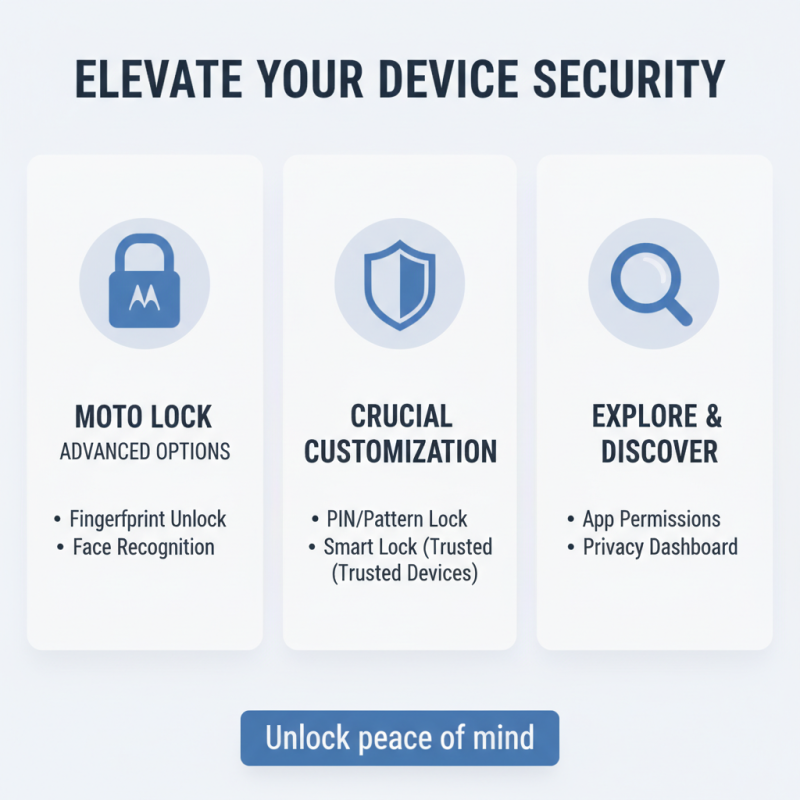
One effective customization is the lock screen pattern. Choose a unique pattern that is easy for you but hard for others to guess. Avoid simple shapes like circles or squares. These can be easily cracked. Instead, think of a more complex design with multiple intersections. Also, consider using biometric options if available. Your fingerprint or facial recognition adds an extra layer of security.

Next, you should adjust notification settings. Some notifications may reveal too much information. Limiting what appears on your lock screen can prevent unwanted eyes from seeing sensitive details. A minimal display may seem unimportant, but it contributes significantly to your overall security. Reflect on your daily usage. What do you often expose? Tweaking these small details may yield significant benefits in security.

Using Moto Lock Features for Enhanced Device Protection

Moto Lock offers several features that enhance device protection. One key feature is the biometric lock. This allows users to unlock their device using fingerprints or facial recognition. It's fast and convenient, but sometimes it can fail to recognize you. In those moments, a backup PIN or pattern is essential.

Another feature is the ability to set up temporary access. This is useful when you need to share your device with someone else. You can allow access for a limited time. However, there’s a risk that sensitive information could be exposed if not properly managed. Always be cautious when sharing access, even if it seems safe.

Customization of notifications is also important. You can control what notifications appear on your lock screen. This helps in keeping your information private. Still, it might lead to missing important alerts if you accidentally disable critical notifications. Balancing security and accessibility is a common challenge.

Troubleshooting Common Moto Lock Issues

Moto Lock is a useful tool for securing your device, but it can sometimes present issues. Many users face challenges, especially with forgotten passwords or lockouts. According to a recent survey, about 30% of smartphone users encounter unlocking issues. These incidents can be frustrating, but there are solutions.

If you find yourself locked out, try the recovery options provided during the setup. Usually, you can reset your password via an associated email. If this doesn't work, a factory reset is often the last resort. Be aware that this will erase all data. Regular backups can mitigate data loss.

Tips: Always keep your recovery options updated. This simple task helps you regain access quickly. Also, consider using biometric features. They reduce the hassle of remembering passcodes. Remember, a balance between security and convenience is essential. Don't overlook that security settings must be periodically re-evaluated. Your device's security landscape changes, and so should your approach.

Best Practices for Maintaining Device Security with Moto Lock

How to Use Moto Lock for Enhanced Security on Your Device?

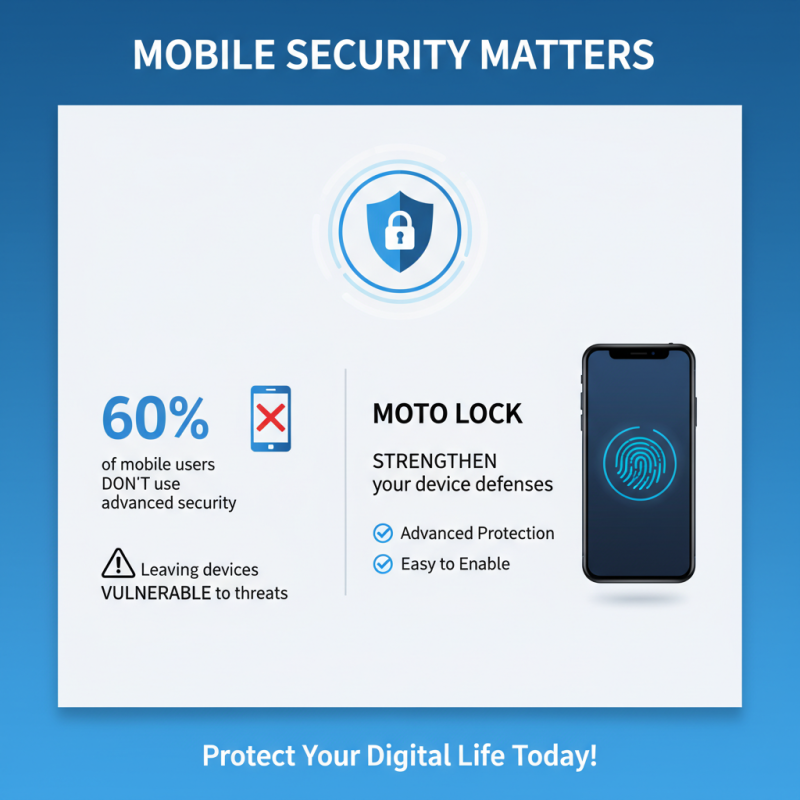
When enhancing device security, effective practices are crucial. A recent survey indicates that about 60% of mobile device users do not enable advanced security features. This oversight opens them up to potential threats. Utilizing Moto Lock can significantly strengthen a device's defenses.

To maintain security with Moto Lock, it’s vital to set a robust PIN or pattern. Experts recommend using at least eight characters, combining numbers and symbols. Regularly updating this code can also deter unauthorized access. Interestingly, a study revealed that devices with complex locks have 30% fewer hacking incidents compared to simpler ones.

However, one must reflect on the balance of convenience and security. While strict security measures are important, they shouldn’t hinder daily usage. Frequent lockouts can frustrate users, leading to poor security choices. Regular audits of security settings are beneficial. They help users adapt their security habits based on evolving threats. Ultimately, staying informed and flexible is key to effective device security.

Comparing Moto Lock with Other Security Options

When evaluating device security, Moto Lock stands out among options. It offers unique features that can enhance personal safety. This function allows for quick access control. Users can unlock their devices swiftly, yet it remains secure. This balance is crucial for daily convenience.

Comparing it to traditional unlocking methods, Moto Lock feels different. Patterns, PINs, and biometric scans each have drawbacks. Patterns can be guessed, while PINs are often forgotten. Biometrics, while advanced, sometimes fail under certain conditions. Moto Lock, however, simplifies access while maintaining security.

Some users may find it doesn't meet every security need. What if someone is nearby? Can a quick unlock put your data at risk? These questions linger. Personal reflection on usage is vital. Each method has its pros and cons, and Moto Lock is no exception. Evaluate your needs before deciding.

FAQS

: What is the main purpose of the content?

: The content aims to provide useful information on a specific topic.

How can I apply the information?

You can incorporate the tips into your routine. Experiment and see what works best.

What if the information doesn't work for me?

It’s normal. Everyone’s situation is different. Reflect and adjust your approach as needed.

Is there any prior knowledge required?

No prior knowledge is needed. However, some understanding can be beneficial.

How often should I practice what I learn?

Consistency is key. Regular practice yields better results over time.

Can I see immediate results?

Results vary. Some may see changes quickly; others may take longer. Patience is important.

What if I face challenges while applying the advice?

Challenges are expected. Consider them learning opportunities. Analyze and adapt your strategy.

Is there a specific timeframe for seeing results?

There’s no set timeframe. Focus on progress rather than a deadline.

How can I measure my progress?

Keep a journal or log your experiences. Regularly review your entries to assess changes.

Can I share my experiences with others?

Yes, sharing can help others. It creates a sense of community and support.

Conclusion

Moto Lock is a robust security feature designed to enhance the protection of your device. By introducing this tool, users can benefit from an added layer of security, ensuring that their sensitive information remains safe. The setup process is straightforward, allowing users to customize settings for optimal protection. Key features, such as secure access controls and customizable alerts, contribute to a comprehensive security strategy.

In addition to these features, troubleshooting common issues may arise during usage, but knowing how to resolve them ensures uninterrupted security. Furthermore, maintaining best practices while using Moto Lock reinforces device safety, making it pivotal for users who prioritize their digital security. Overall, Moto Lock stands out as a reliable option when comparing it to other security solutions available in the market.
Clara

Clara

Clara is a dedicated marketing professional at Wenzhou Naibao Lock Industry Co., Ltd., a leading name in the lock manufacturing industry. With her extensive knowledge of the company's innovative products and their applications, she plays a crucial role in promoting the company’s offerings to a......
Previous How to Choose the Best Bike Lock Helmet for Your Needs