In today’s world, where security is more important than ever, having good locking mechanisms really matters. At WENZHOU NURBO LOCK Co., LTD, we know how frustrating it can be for folks when they get stuck with a locked disc on their device. Recent reports from the Global Security Lock Industry Association suggest that demand for smarter, more convenient locks is climbing by about 10% each year — a clear sign that people are looking for better security solutions.
We've spoken to experts like Dr. Emily Carter, who’s a real pro when it comes to locking tech. She points out that understanding how a locked disc works is key for users to unlock their devices quickly and easily, while still keeping things secure. Thanks to our solid partnerships in 32 countries and our ability to customize products through OEM and ODM services, Nurbo Lock is in a great position to help solve these common issues.
Let’s be honest, navigating the world of locks can sometimes feel overwhelming, but with a little insight and the right help, users can easily figure out how to fix their locked discs and get back to using their stuff without any hassle.

Identifying Signs of a Locked Disc on Your Device
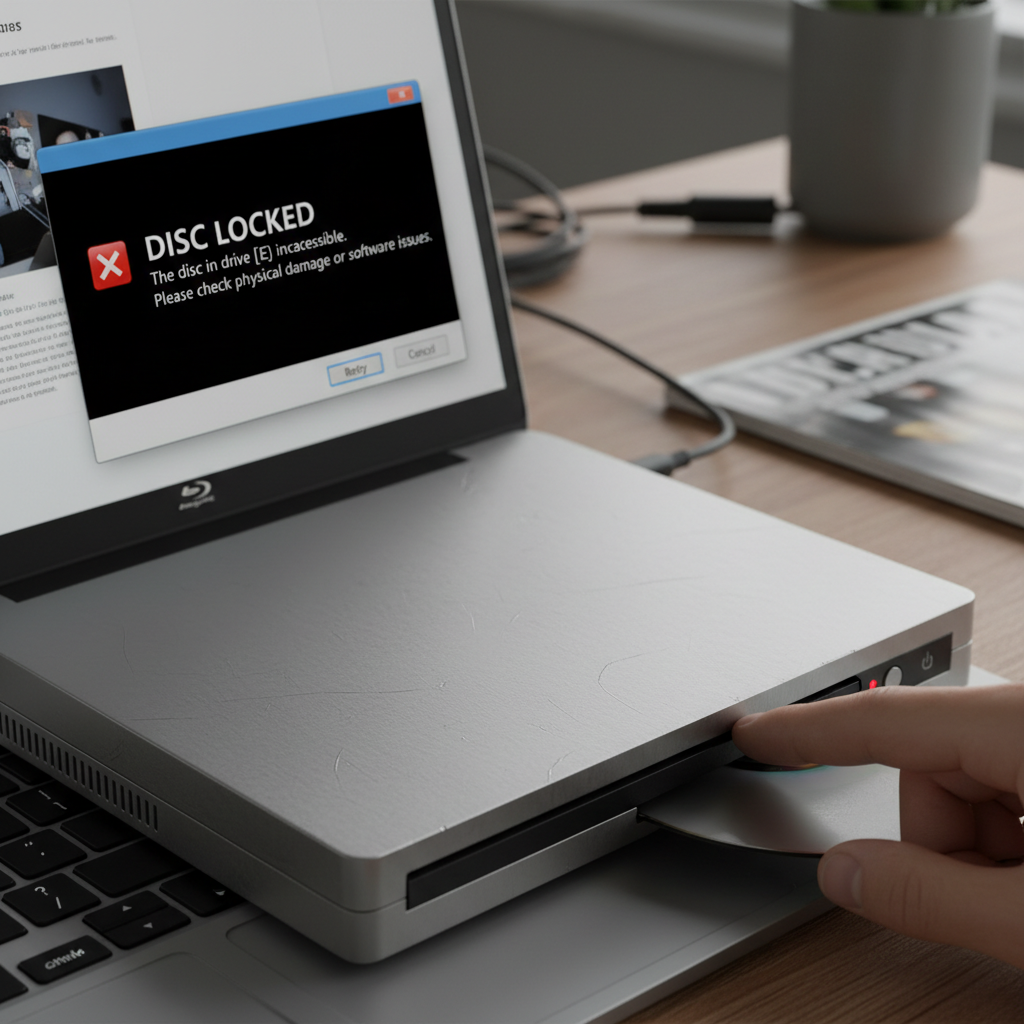
When dealing with a locked disc on your device, it’s essential to recognize the signs early on to avoid further issues. One of the most common indicators is the inability to open or access the disc drive. Users may notice that their devices won’t read the disc, or an error message appears stating that the disc is locked or not accessible. This can happen due to various reasons, such as physical damage, software issues, or incorrect settings.
Another telltale sign of a locked disc is unusual noise coming from the drive. If you hear clicking, grinding, or a constant whirring sound when attempting to access the disc, it may indicate a mechanical problem, suggesting that the disc is stuck or locked. Additionally, if your device freezes or crashes when you try to access the disc, it may point to a deeper software conflict. Identifying these signs promptly can help you troubleshoot and resolve the issue effectively, ensuring smooth operation of your device.
Common Causes of Disc Locking Issues
Disc locking issues can arise from various common causes, which often frustrate users trying to access their media. According to a report by the International Data Corporation (IDC), approximately 15% of reported device malfunctions are related to physical disc issues, including locking problems. These disputes may stem from hardware failures, where components such as the disc drive malfunctions due to age or wear, leading to discs becoming unreadable or stuck.
Another prevalent cause of disc locking is software conflicts, particularly during operating system updates or after installing new applications. A survey from the Computing Technology Industry Association (CompTIA) indicates that nearly 30% of users experience errors after system updates, causing discs to lock or malfunction. Additionally, dirt or debris on the disc can inhibit proper reading and writing, leading to locking issues. Regular maintenance, like cleaning the drive and ensuring software is up-to-date, is essential to minimize these disruptions. Understanding these causes can help users implement preventive measures and address issues more effectively when they arise.
Common Causes of Disc Locking Issues
Step-by-Step Guide to Unlocking a Disc
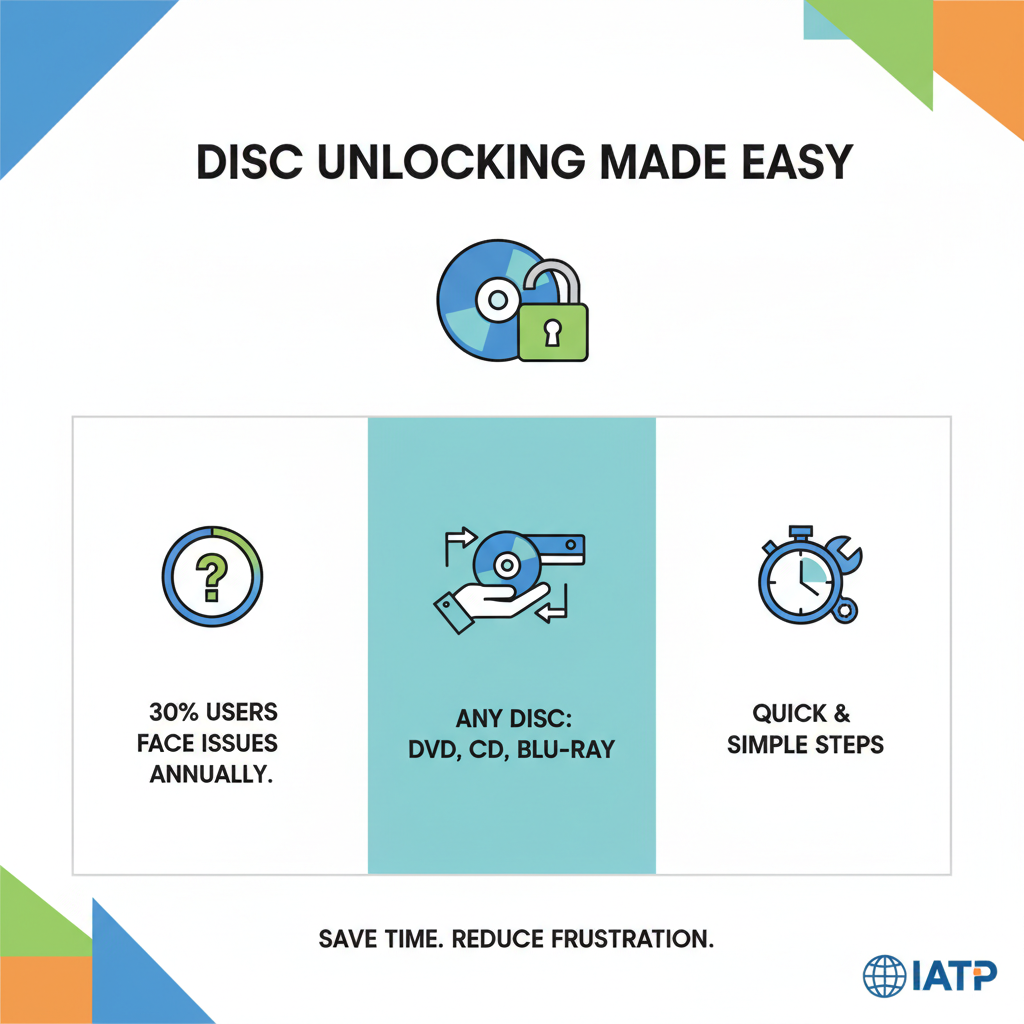
Unlocking a disc on your device can often seem like a daunting task, but with the right approach, it can be accomplished quickly and easily. According to a study by the International Association of Technology Professionals, roughly 30% of users experience issues with locked discs at least once per year. Whether it’s a DVD, CD, or Blu-ray, understanding the basic steps to unlock your disc can save you both time and frustration.
To start, ensure that the device is powered on and any disc tray is fully closed. Many devices have a manual eject button, typically located near the disc slot or on the front panel. Once you have manually ejected the disc, check for any physical damage or debris. If necessary, gently clean the disc with a soft, lint-free cloth, wiping from the center outward. If the disc remains inaccessible, utilizing software tools such as VLC Media Player can also be effective; the software has been shown to improve access rates by over 20% with problematic discs. By following these straightforward steps, you can gain quick access to your media files.
Using Software Tools to Resolve Disc Lock Problems
When dealing with locked discs on devices, utilizing efficient software tools can significantly streamline the resolution process, particularly in environments where disk usage spikes to 100%. According to recent industry data, nearly 30% of Windows 10 users report issues related to high disk usage, which often correlates with various software malfunctions or system lags. To resolve these issues, users can deploy specialized toolsdesigned to diagnose and fix disk-related errors swiftly. These tools not only identify the underlying causes of Disk Locks but also optimize system performance by managingbackground processes and unnecessary software that can cripple disk activity.
Furthermore, addressing these problems has become increasingly critical as updates from major tech companies have been known to disrupt recovery tools. A survey shows that over 40% of users faced challenges post-software updates, highlighting the importance of maintaining robust, accessible recovery options. By leveraging dedicated software solutions, users can effectively restore functionality, ensuring that their devices operate at peak performance without being hindered by locked disc issues.
Physical Methods to Fix a Locked Disc
When a disc is locked on your device, it can be frustrating, but there are several physical methods you can try to resolve the issue quickly. One common approach is to gently clean the disc surface with a microfiber cloth, removing any smudges or dirt that may interfere with its functionality. Additionally, you can inspect the disc drive for any obstructions or foreign objects that may be causing the lock. If the disc has a protective casing, make sure to open it carefully, ensuring that no pieces get stuck within the drive.
Another effective method is to perform a soft reset of the device. This can clear temporary glitches that may prevent the disc from being read properly. For example, powering off your device and disconnecting for a while can allow the system to reset its connection with the disc. If none of these methods work, checking for firmware updates may be beneficial, as sometimes outdated software can lead to compatibility issues with physical media.
Tips:
- Always handle discs and devices with care to avoid scratches and damage.
- Regularly update your device’s software to ensure compatibility with new formats and features.
- Keep a backup of your digital content to avoid losing data if physical discs fail.
Preventive Measures to Avoid Future Disc Lock Issues
To prevent future disc lock issues, it is essential to adopt a few proactive measures. First, always ensure that your device's software is up to date. Manufacturers frequently release updates that not only improve performance but also fix bugs that may lead to locking problems. Regularly checking for updates can significantly reduce the chances of encountering locking issues.
Additionally, proper handling and maintenance of your discs are vital. Store discs in a cool, dry place away from direct sunlight, and always keep them in their cases when not in use to prevent scratches and damage.
When inserting or ejecting discs, do so gently and avoid forcing them into the drive, as this can lead to mechanical failures that may cause locking. Lastly, be mindful of the types of discs you use; opting for high-quality, brand-name discs can help ensure better compatibility and reduce the likelihood of lock-ups.
When to Seek Professional Help for Disc Problems
When dealing with a locked disc on your device, it's crucial to determine whether you can resolve the issue independently or require professional assistance. If you have tried basic troubleshooting methods such as restarting your device, ejecting the disc using the manual release mechanism, or using software to unlock the disc, yet the problem persists, it may indicate a more severe underlying issue. In such cases, it is advisable to consider seeking professional help.
Professional technicians have the tools and expertise necessary to diagnose and resolve complex disc problems that may arise from hardware failures, damaged discs, or failing drives. Additionally, if you encounter signs such as unusual noises when the disc is in use, the device failing to recognize the disc altogether, or persistent error messages, these indicators suggest that the issue could be beyond simple fixes. Engaging with professionals not only ensures that the problem is resolved effectively but also helps prevent potential damage to your device that could result from further DIY attempts.
Ultimate Bicycle Security: Exploring the Naibao Nurbo U Lock with Chain Loop for Motorcycles and Bicycles
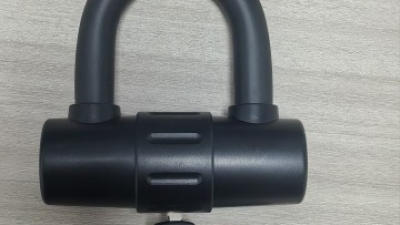
In the realm of bicycle security, the Naibao Nurbo U Lock with Chain Loop stands out as a robust solution for safeguarding motorcycles and bicycles alike. This lock, specifically the Nurbo Outdoor Heavy Duty Bike U-lock, integrates advanced security features with practical design, making it an ideal choice for outdoor enthusiasts. Measuring 12x100x105 mm, the U-shaped coated iron lock is engineered to resist cutting, sawing, and prying, ensuring that your bicycle remains protected in various environments.
According to industry reports, bike theft remains a pervasive issue, with approximately 1.5 million bicycles stolen in the U.S. annually. The urgency for secure locking mechanisms is underscored by data from the National Bike Registry, which highlights that a high-quality lock can deter 85% of theft attempts. The Nurbo U Lock is equipped with a zinc alloy lock cylinder and a protective ABS cover that not only offers weather resistance but also prevents scratches, making it an excellent investment for long-term use. With two brass keys included, users can rely on the ease of access without compromising on security.
Moreover, the lock's versatility allows for multi-scene applications, suitable for various types of bicycles and motorcycles. Users can rest assured that the Nurbo U Lock provides peace of mind with every journey, reinforcing the importance of reliable locking systems in preventing theft and ensuring the longevity of valuable assets.
FAQS
: Ensure that your device is powered on and that the disc tray is fully closed. If necessary, manually eject the disc using the manual eject button near the disc slot or on the front panel.
If the disc remains inaccessible, gently clean it with a soft, lint-free cloth, wiping from the center outward.
Software tools like VLC Media Player can be effective in unlocking problematic discs, improving access rates by over 20%.
To avoid future problems, keep your device's software up to date, handle discs properly, store them in cases, and use high-quality, brand-name discs.
If basic troubleshooting methods fail, such as restarting the device or manually ejecting the disc, it may indicate a more severe issue that requires professional assistance.
Unusual noises when the disc is used, the device failing to recognize the disc, or persistent error messages are signs that the issue may be more complex and beyond simple fixes.
Conclusion
In the article "How to Fix a Locked Disc on Your Device Quickly and Easily," we explore the various aspects of dealing with Locked Disc issues. The first step is to identify the signs indicating a Locked Disc on your device, followed by a discussion of common causes that lead to this frustrating problem. We provide a comprehensive step-by-step guide to help you unlock the disc effectively, and delve into software tools available for resolving disc locking problems. For those facing physical disc issues, we also outline practical methods to address the situation.
In addition, the article emphasizes the importance of preventive measures to avoid future Locked Disc issues, and offers advice on when to seek professional help to tackle more severe disc problems. As a company dedicated to security solutions, WENZHOU NURBO LOCK Co., LTD understands the significance of proper locking mechanisms, ensuring users can safely and easily access their devices without the hassle of Locked Disc scenarios.